WELCOME
Welcome to Lost, the SmartTag management software. “Lost SmartTag” helps to find lost items. Reading the SmartTag via NFC or QR Code leads to the stored contact data of the owner of the lost item.
Register your SmartTag in just 3 steps

Step 1 - Register SmartTag
- Read the SmartTag via a NFC activated smartphone or use the QR Code reader.
- Fill out the form with your data including a valid email address.
- Once you have completed the registration form, press the button register.
Step 2 - Activate SmartTag
- Go to your email inbox and press the button "Confirm Email" to confirm the account and enable the SmartTag.
- After confirmation you will see your first or SmartTags earlier activated in a list.
Step 3 - Add Information
- Access your account on www.lost.cl
- Add the necessary information such as phone number or a description of what item the SmartTag is attached to.
The use of your SmartTag in case of loss of an item
- Access your account on www.lost.cl.
- Edit and change the status of your lost item to LOST.
- Wait for someone to contact you (by any means possible) with the good news.
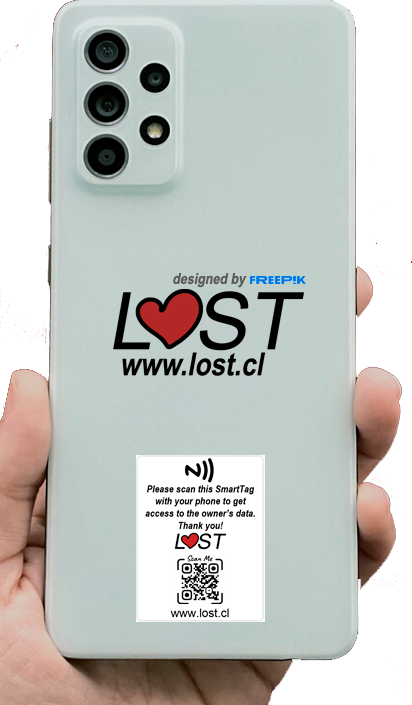
Types of SmartTags you can Find with us for Keychains and Phones.
SmartTag Keychain
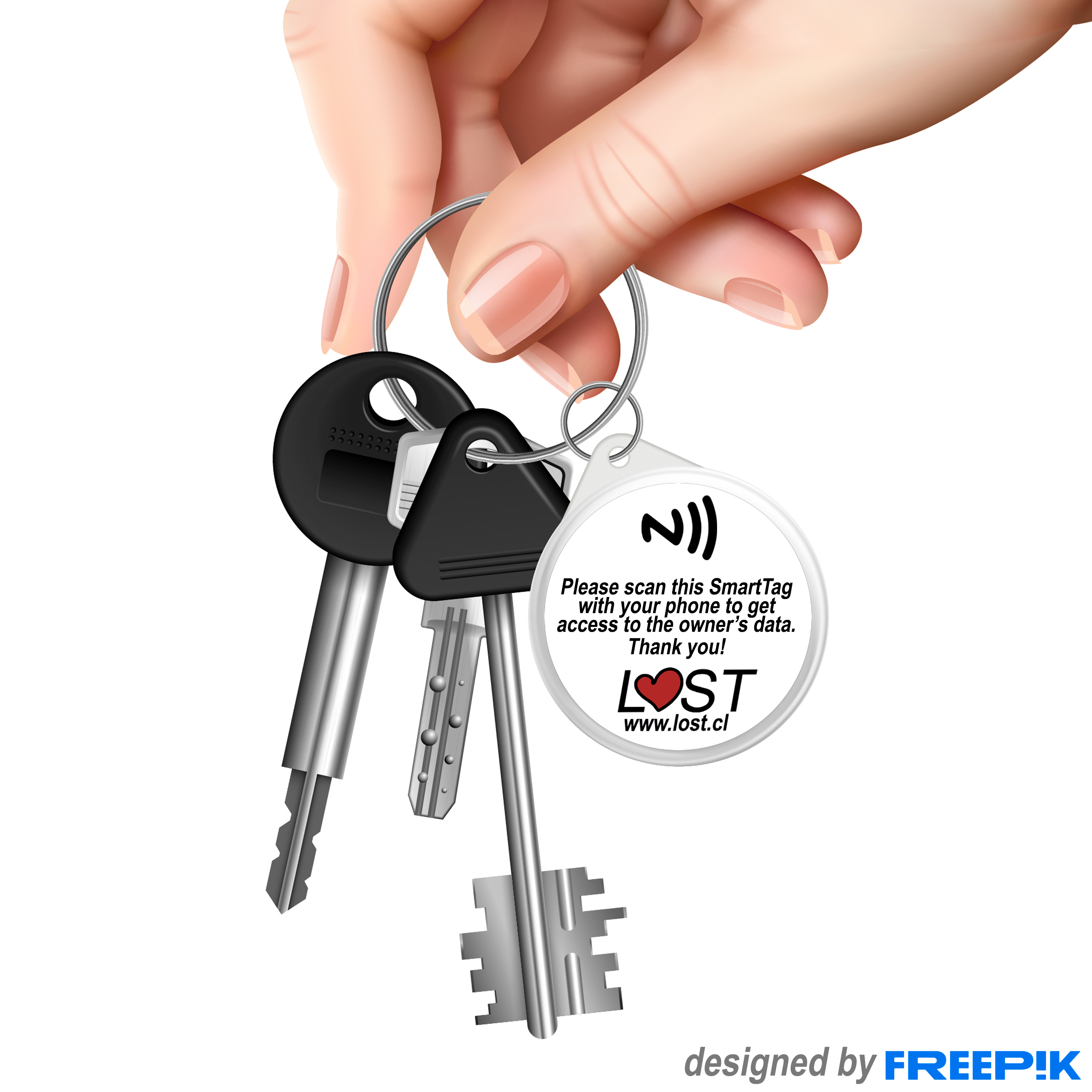
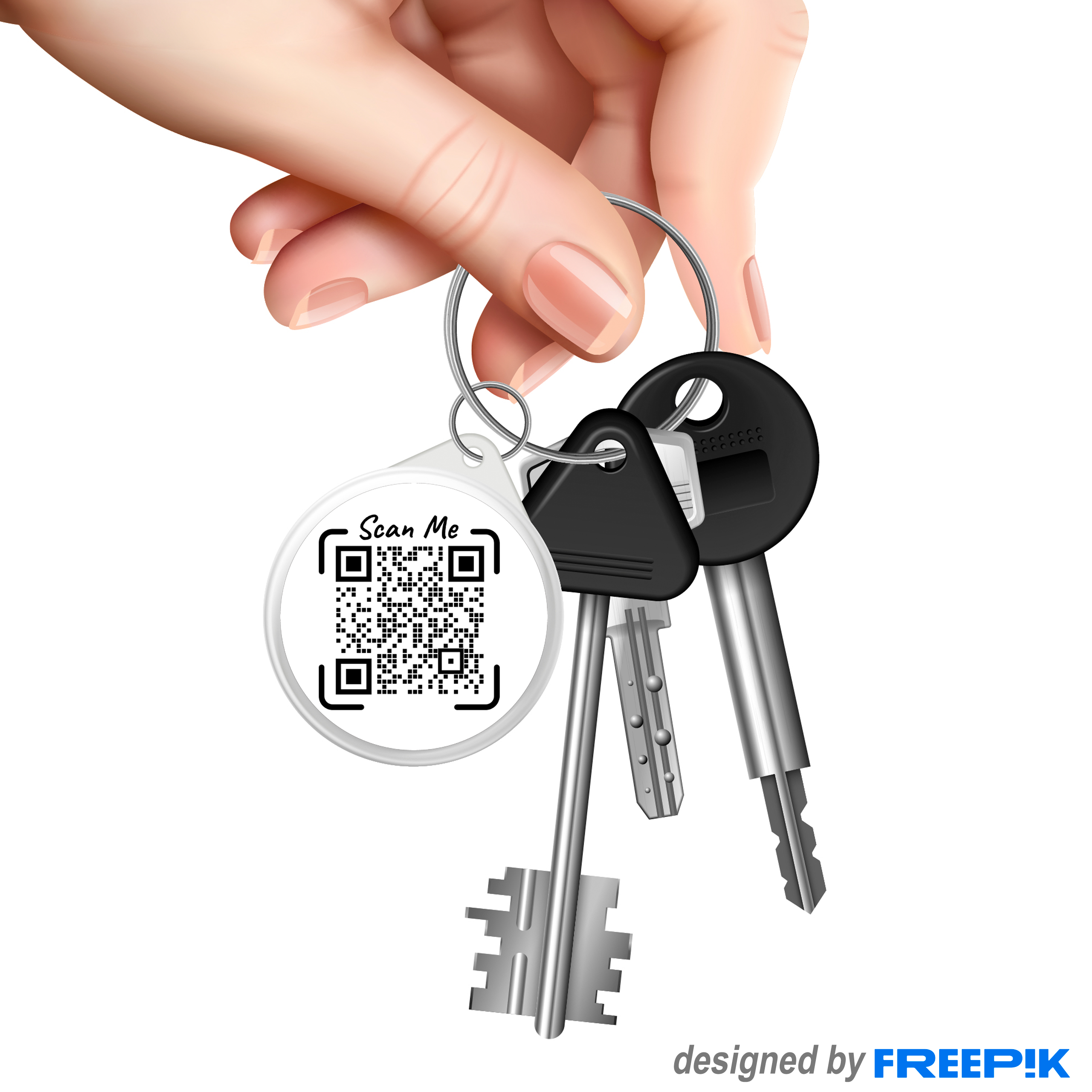
SmartTag Devices